Home • Help • Administrator Tools
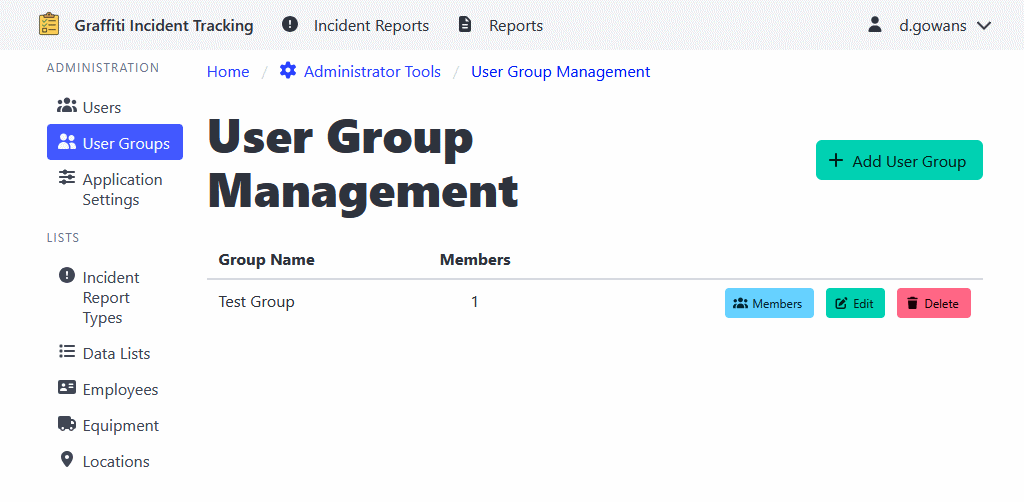
User Group Management
User Groups allow you to organize users into logical groups for more granular permissions.
For example:
-
If a work order type has a user group associated with it, only users that are part of that user group can access those work orders.
-
If a piece of equipment has a user group associated with it, only users that are part of that user group can add the equipment to their records.
Creating a User Group
- Navigate to Administrator Tools > User Groups.
- Click the Add User Group button.
- Enter the group name and description.
- Click Add User Group to create the group.
Adding Members to a User Group
- Navigate to Administrator Tools > User Groups.
- Find the user group.
- Click Members.
- Select the user from the list.
- Click Add to include them in the group.