Home • Help • Administrator Tools
Application Settings
The Application Settings section allows administrators to configure various system-wide options.
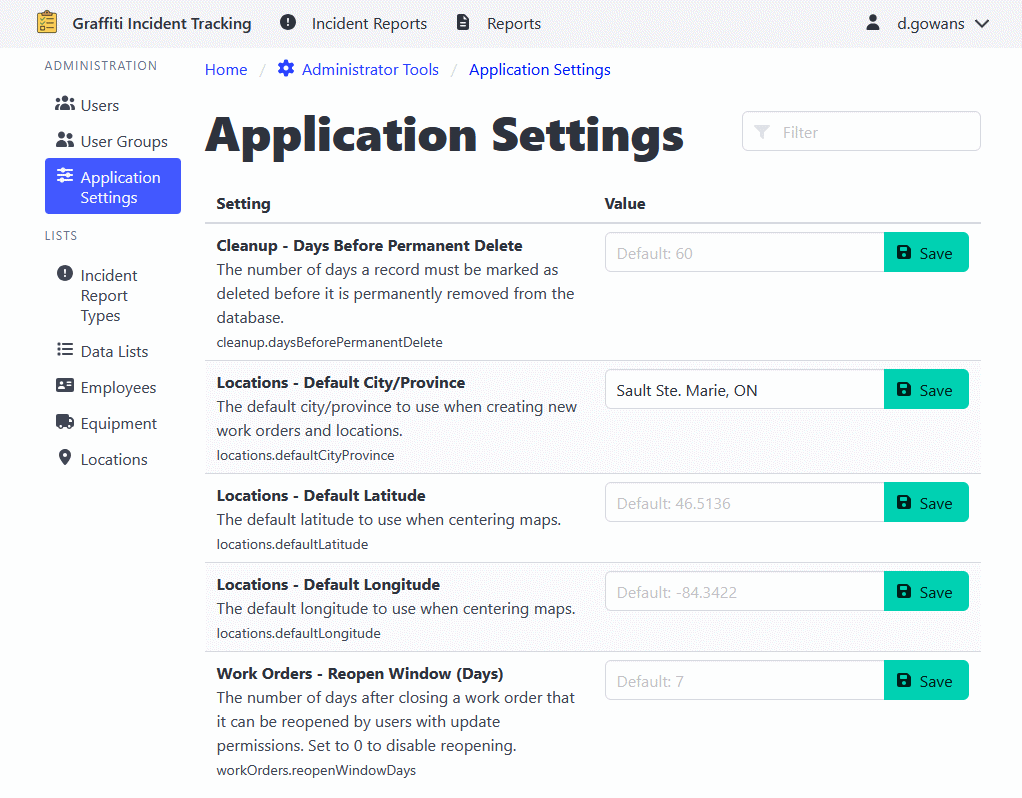
Accessing Settings
- Navigate to Administrator Tools > Application Settings.
- Browse or search for the setting you want to modify.
- Click on the setting to edit its value.
- Save the changes.