Home • Help • Administrator Tools
Employee Management
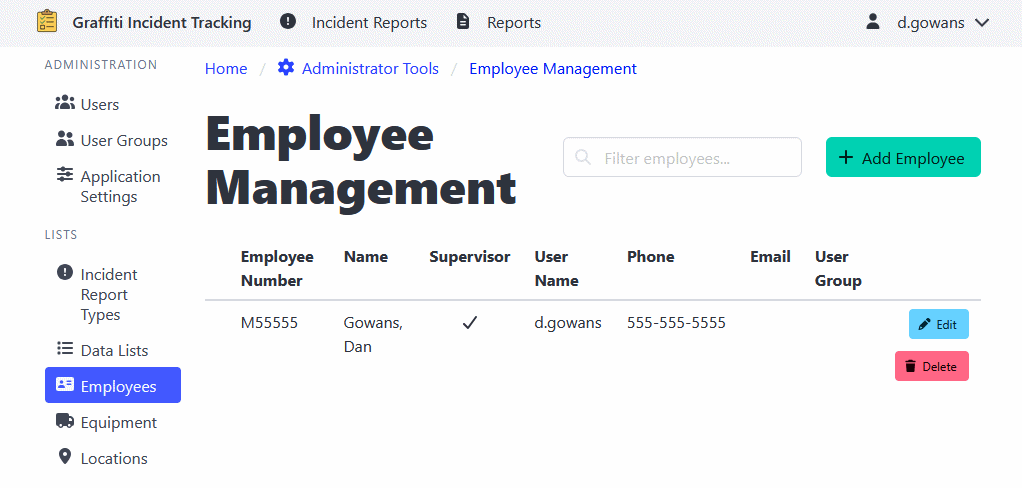
The Employee Management section maintains a list of employees that can be associated with work orders, shifts, and timesheets.
Adding an Employee
- Navigate to Administrator Tools > Employees.
- Click the Add Employee button.
- Enter employee information:
- Employee name
- Employee number or ID
- Click Save to add the employee.
Editing Employee Information
Note: Edits to synced employees may be overwritten by the syncing process.
- Navigate to Administrator Tools > Employees.
- Click on the employee you want to edit.
- Update the information as needed.
- Click Save to apply changes.
Deleting an Employee
Note: Deleting an employee will not modify past records for the employee. It will only make them unavailable for future records.
- Navigate to Administrator Tools > Employees.
- Find the employee you want to delete.
- Click the Delete button.
- Confirm the deletion.